


A Practical Guide to DESS Library Integration
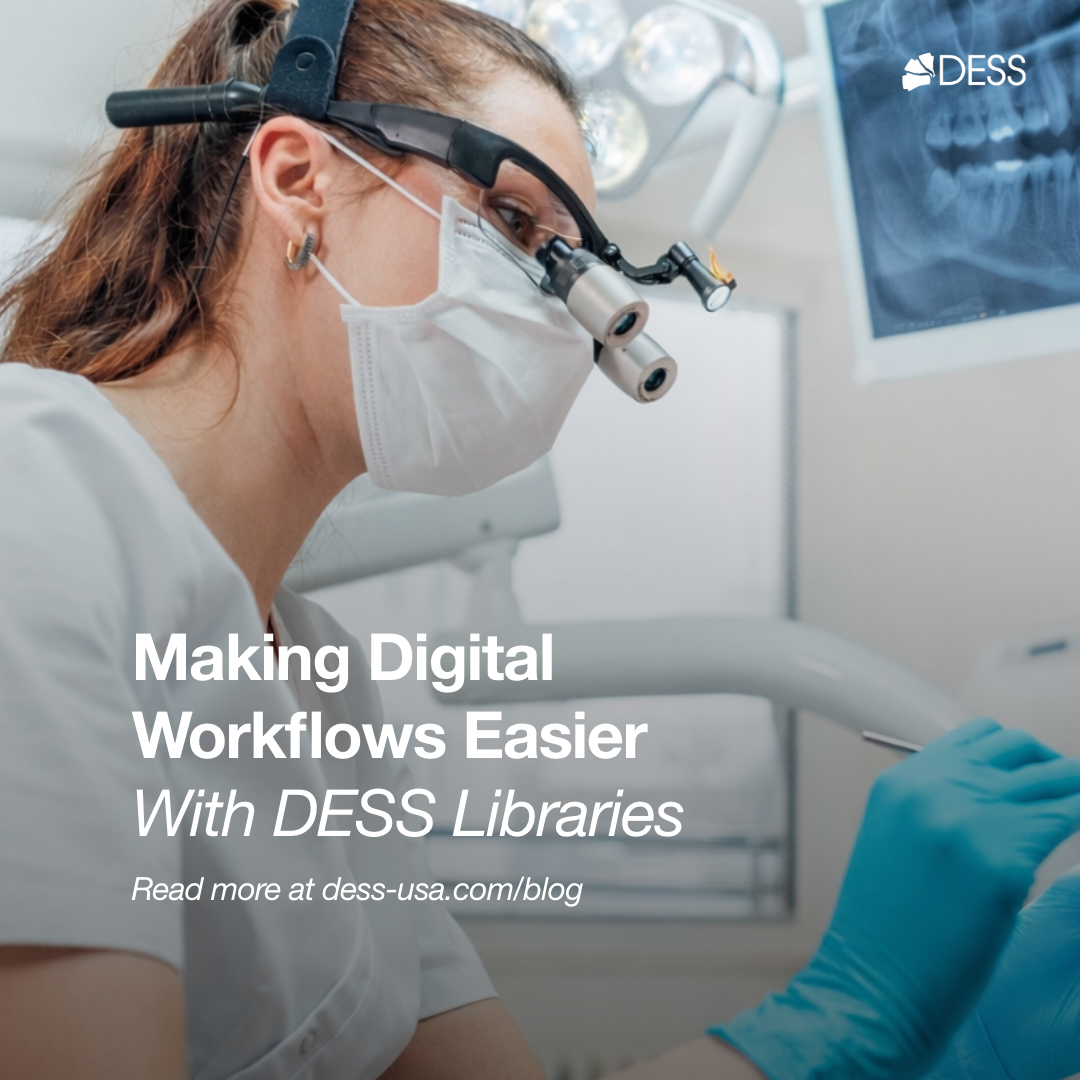
One of the most common questions I get from lab technicians is some variation of: "I keep hearing about DESS components, but how do I actually use them in my workflow?" It’s a fair question. Having great components means nothing if you cannot design with them efficiently in your CAD software. The physical product and the digital representation have to work together.
So let me walk you through how DESS has approached library integration and why it matters for your day-to-day production. This is not a sales pitch. It is a practical guide about making digital implant workflows actually work.
Why Library Integration Matters
Before we dive into the specifics, let me explain why this topic is important. Your CAD software, whether it is exocad, 3Shape, or Dental Wings, relies on libraries to understand the physical dimensions of the components you are designing around. When you select a ti-base or scan body in your software, you are pulling from a library file that contains the exact 3D specifications of that component.
If the library is accurate and well-constructed, your design will fit the component perfectly. The margins will be where you expect them. The screw access will line up. The restoration will seat without adjustments. If the library is outdated, incomplete, or poorly constructed, you’re going to have problems: restorations that don’t seat properly, margins that are off, or screws that don’t engage correctly. I’ve seen labs waste hours troubleshooting issues that traced back to bad library data.
The other issue is availability. If you get a case on an implant system and don’t have the library installed for the components you want to use, you’re stuck. Either you scramble to find and install the right library, you use a different component that you do have, or you turn away the case entirely. None of those options are great for your business or your relationship with the dentist.
This is why I pay attention to how component manufacturers handle their library offerings. It is a differentiator that does not get enough discussion at trade shows or in product comparisons. But it matters every single day in a working lab.
The DESS Library Ecosystem
DESS has built out one of the more comprehensive library ecosystems I have seen in the third-party component space. They offer free downloadable libraries for exocad, 3Shape, and Dental Wings, covering their full range of products. That includes ti-bases, C-bases, ELLIPTIBases, ANGLEBases, multi-unit abutments, pre-milled blanks, scan bodies, screws, and their DESSLoc overdenture components. Click here to visit DESS Libraries!
What I appreciate is that they maintain separate libraries for CE and FDA-certified products. If you are working in the U.S. and need FDA-cleared components for regulatory compliance, you download the FDA library. If you are in Europe or elsewhere, you grab the CE version. This matters for compliance documentation, traceability, and your own peace of mind when questions come up about what components were used on a case.
They also offer libraries with different cement gap options, which is a nice touch that shows their attention to detail. You can choose a 0.02mm gap for tighter fits or a 0.045mm gap if you prefer a bit more room for cement. Different technicians have different preferences based on their experience and the materials they use, and having that configurability at the library level is helpful.
Getting Set Up: How To Get Started
Let’s walk through how to actually get the DESS libraries installed and working. The process is straightforward, but there are a few things to know that will save you time.
First, head to the DESS website (dess-usa.com) and navigate to their "Documentation" section under the main menu. You will find "Libraries" listed there with everything organized by platform and product type. They have installation guides available as PDFs that walk you through the process step by step. They have also video tutorials on YouTube for both exocad and 3Shape installations, which can be helpful if you’re more of a visual learner like me.
How to Install DESS Libraries in exocad:
How to Install DESS Libraries in 3Shape:
For exocad users, DESS recently introduced a cool Library Finder tool. This is actually a clever solution to a common problem. Instead of downloading a massive library package containing every implant compatibility under the sun, you can search for the specific implant brand, model, or even reference number and download just the library you need. It reduces clutter in your software, speeds up load times, and ensures you are using the correct version for that specific component.
Once you have downloaded the library files, installation follows the standard process for your CAD software. In exocad, you typically place the files in the appropriate directory and restart the application. In 3Shape, you import through the control panel. The DESS installation guides cover the specifics for each platform with screenshots.
Implant System Compatibility: The Range Is Amazing!
Here is where DESS really stands out from competitors. They have built compatibility with a massive range of implant systems. We’re talking about compatibility with all the major platforms like Nobel (including Branemark, Replace Select, and Active/Replace CC), Straumann (Tissue Level, Bone Level, and BLX), Zimmer Biomet 3i (Internal Hex and Certain), Astra Tech (EV and Osseospeed), Dentsply (Xive, Ankylos), BioHorizons (Internal and External), Osstem, Camlog, Conelog, MIS, Dentium, Megagen, Neodent, and many others.
Why does this matter? Because as a lab, you never know what implant is coming through the door next. If you’re working with multiple dental practices, and most labs are, each one might have preferences for different implant manufacturers. Some dentists are loyal to Nobel. Others use Straumann. That periodontist down the street might be placing Osstem. Being able to support all of them with a single component partner simplifies your inventory, your ordering process, and your design workflows significantly.
I have talked to lab owners who were juggling five or six different component suppliers just to cover the implant systems their dentists use. That is a logistical headache nobody needs. Different ordering systems, different pricing structures, different libraries to manage. Consolidating to a partner with broad compatibility makes life sooo much easier and lets you focus on what actually matters: doing quality work.
Components: Not Just Ti-Bases
Library integration is about more than just ti-bases, although those are certainly important and probably the most commonly used implant component. A comprehensive component partner should offer libraries for every component type you might need in your implant workflows, from simple single-unit cases to complex full-arch rehabilitations.
DESS covers this well. Here’s what their libraries include:
Ti-Bases for standard screw-retained restorations. These are our workhorses of implant prosthetics, and DESS offers them across their full range of implant compatibilities with different collar heights and platform diameters to handle various clinical situations.
C-Bases, which are designed specifically for the Dentsply Sirona CEREC system. If you are working with chairside dentists who use CEREC for in-office milling, this compatibility is valuable. The library integration allows seamless handoff from the chairside scan to the CEREC design software.
ELLIPTIBases for cases requiring an elliptical emergence profile. These can be helpful when you are dealing with anatomically challenging situations where a round emergence just does not fit the tooth position naturally. I love these for laterals!
ANGLEBases for angled screw channel applications. This is increasingly important as we look to place screw access holes in in the right location, especially in the anterior region. The ANGLEBase library allows you to design around angled screw paths in your CAD software, which is a significant workflow advantage. You can easily see exactly where that screw access is going to emerge before committing to fabrication.
Multi-unit abutments for full-arch restorations. If you are doing All-on-X cases, having library support for multi-unit components is essential. DESS offers straight, 17-degree, and 30-degree angled options to handle different implant angulations.
Pre-milled blanks for custom abutment fabrication. If your lab is milling custom abutments in-house, the pre-milled blank libraries give you the digital starting point with the implant connection already defined – even a cool angled screw access option!
DESSLoc components for overdenture applications. The overdenture attachment market is significant and still growing, particularly as more edentulous patients opt for implant-retained overdentures rather than conventional dentures. Having library support streamlines these cases.
Scan bodies for both intraoral and desktop scanning. Good scan body libraries are essential for accurate implant position capture in your digital workflow. If the library does not match the physical scan body precisely, your implant positions in the digital model will be off.
Photogrammetry Integration
One thing I should also mention is that DESS components are now officially compatible with the PIC dental photogrammetry system. They offer specific libraries for PIC dental in both 3Shape and exocad formats.
Photogrammetry is gaining traction for full-arch implant cases where traditional intraoral scanning might not capture implant positions with sufficient accuracy across the entire arch. The camera-based verification adds another layer of confidence to the implant positions. If your workflow includes photogrammetry verification, having component libraries that integrate with that system is important for a seamless process.
Quality Assurance and Regulatory Compliance
Digital libraries are only as good as the physical components they represent. A perfectly constructed library file means nothing if the actual component coming out of the bag does not match those specifications. This is where the regulatory and quality side of things matters tremendously.
DESS operates under multiple quality certifications, including MDSAP (Medical Device Single Audit Program), CE marking, FDA 510(k) clearance, Health Canada approval, and ISO 9001:2015 and 13485:2016. You can download their certificates directly from their website if you need documentation for compliance purposes or if a dentist asks about the regulatory status of the components.
What this means practically is that the library dimensions match components that have been manufactured under strict quality controls and tested for fit against the OEM implant systems they are designed to work with. When you design in your CAD software using a DESS library, you can be confident that the physical component will match what you designed. That consistency is what allows you to deliver predictable results case after case.
Full-Arch Workflow Support
Full-arch implant restorations represent some of the most complex and valuable work labs do, and library support for these workflows is critical. DESS has posted tutorial videos specifically covering full-arch design direct on MUA using both their exocad and 3Shape libraries. These are worth watching if you are getting into full-arch work or looking to refine your process.
The ability to design a full-arch prosthesis in your CAD software with proper component libraries means you can visualize exactly how the restoration will interface with the multi-unit abutments, plan screw access positions, and verify clearances before anything is fabricated. This reduces chair time, adjustments, and remakes.
DESS also supports the exocad Model Creator and Implant Planner modules, which extends the digital workflow from surgical planning through final restoration design. If you are providing surgical guides and working closely with surgeons on case planning, this integration is valuable.
Technical Support When You Need It
Library issues can be frustrating, especially when you are in the middle of a case with a deadline looming. Something doesn’t load right. A component is not appearing in your library list. The design goes wonky right when you apply a certain ti-base. These things happen, and we need to know we can resolve them quickly.
DESS offers technical support for library-related questions. Their website provides an email contact specifically for technical assistance with libraries. I have found that having responsive technical support from a component supplier is underrated. When something isn’t working as expected in the CAD software, being able to reach someone who understands both the components and the software can save hours of troubleshooting and frustration.
For technical support email orders@dess-usa.com.
The Bottom Line
Digital integration is not a nice-to-have anymore. It is a must for labs that want to compete and grow. The component partners you choose should be evaluated not just on product quality and price, but on how well they support your digital workflow. That means libraries, training resources, and technical support when you need it.
DESS has made significant investments in library development and maintenance. Their coverage across exocad, 3Shape, and Dental Wings means you are not locked into a single CAD platform if your needs change or you acquire new equipment. Their implant system compatibility is among the broadest in the industry. And their component range, from ti-bases through full-arch multi-unit solutions and overdenture attachments, means you can handle most case types without needing additional suppliers.
If you haven’t explored what DESS offers for your implant workflows, it’s worth taking the time to download their libraries and run a few test designs. Start with a straightforward single-unit case, then try something more complex. The proof is in the work, and the best way to evaluate any component partner is to use their products on real cases and see how they perform.
The combination of quality components, comprehensive library support, and broad implant compatibility makes DESS a strong option for labs looking to streamline their implant workflows while maintaining clinical standards. I personally like the Dess ecosystem because it makes things simpler and more efficient for me.
Here to serve,
Jimmy